Size by active crews
Count the teams working at the same time, including contractors and temporary staff.
Over 25 YEARS in the Two-Way Radio Industry!

Explore another option: RM Series (budget)
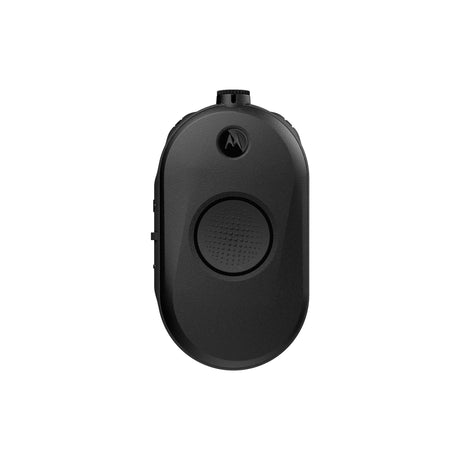
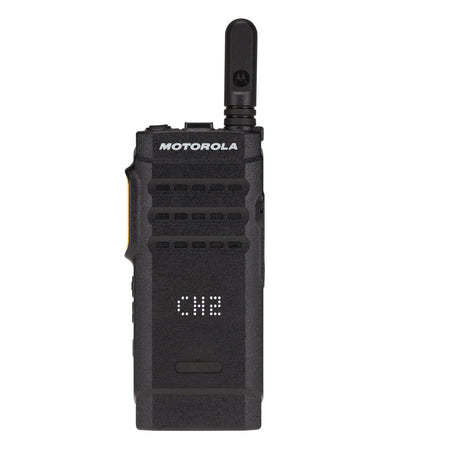
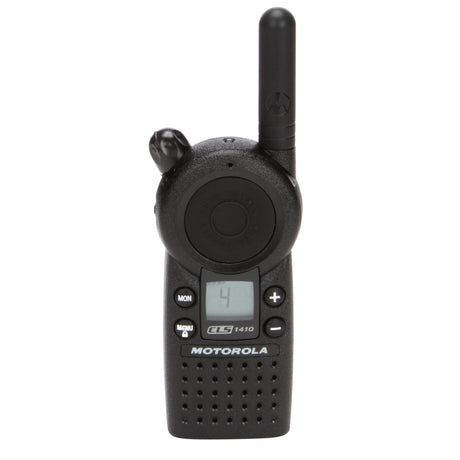

Motorola TLK25 LTE & Wi-Fi Radio
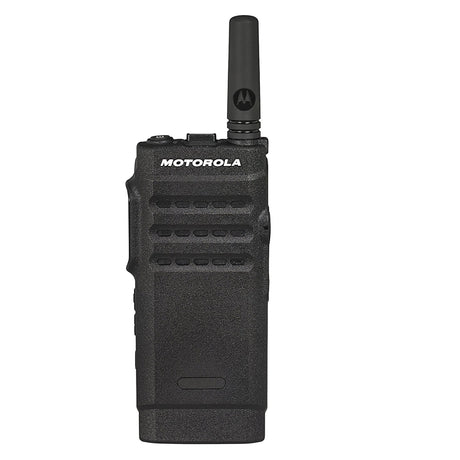
Start with producers, registration staff, stage crews, security teams, and venue coordinators. Compare the roles below, then confirm coverage and compatibility for your operation.
| Radio or use case | Best for | Coverage | Licensing and planning |
|---|---|---|---|
| R2 Two-Way Radios | Festival | Local radio; system-dependent coverage | Confirm U.S. business licensing |
| SL300 Display | Conference | Local radio; system-dependent coverage | Confirm U.S. business licensing |
| CURVE DLR110 Business Radio | Small Event | Local digital radio | License-free in the U.S. |
| TLK110 Radio | Festival | Supported LTE / Wi-Fi network | Service plan required |
| CLP1080e | Small Event | Local radio; system-dependent coverage | Confirm U.S. business licensing |
| CLS1410 | Small Event | Local radio; system-dependent coverage | Confirm U.S. business licensing |
Fleet planning noteMatch the fleet to the event schedule as well as the venue. Charging and handoffs matter during long operating days.

An event moves from load-in to rehearsal, live operation, and load-out. Give each team a clear channel plan and test the places where the venue, crowd, or temporary structures may interrupt contact.
Build your plan around producers, registration staff, stage crews, security teams, and venue coordinators, with the right equipment and support for the way they work.
Count the teams working at the same time, including contractors and temporary staff.
Separate production, registration, security, and facilities while giving leads a way to coordinate.
Walk the event footprint and check backstage, loading areas, remote gates, and other problem spots.
Start with producers, registration staff, stage crews, security teams, and venue coordinators. Use the segments above to explore the existing lineup, then compare the coverage, accessories, and operating setup for each role. Confirm compatibility with any radios you already own before adding equipment.
An event moves from load-in to rehearsal, live operation, and load-out. Give each team a clear channel plan and test the places where the venue, crowd, or temporary structures may interrupt contact.
Start with the number of simultaneous users, shift handoffs, and the time needed to recharge. Keep a practical reserve for a failed radio, an added crew member, or a longer shift. We can help size the reserve around your event schedule.
Compatibility depends on the frequency band, operating mode, programming, and radio system. Local business radios and network-based WAVE PTX devices do not automatically communicate with one another. Share your current model numbers so we can review the connection before you purchase.
Include the number of simultaneous users, their roles, your work areas, shift lengths, existing radio models, and any coverage problems. For event teams, also note the operating conditions and accessories each role needs.
Tell us about your team roles, work areas, existing radios, and coverage concerns. We will help you build a practical event radio plan.
Your monthly cost