Assign department roles
List the crews that need their own channels and the leads who coordinate between departments.
Over 25 YEARS in the Two-Way Radio Industry!

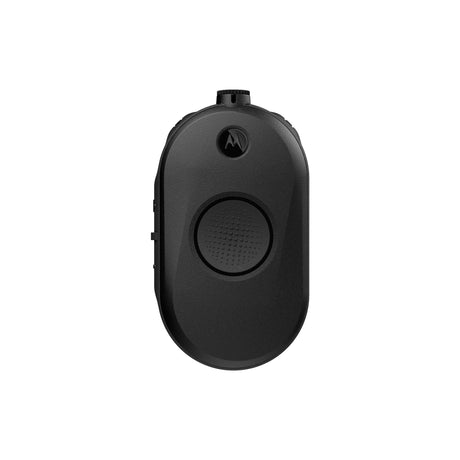
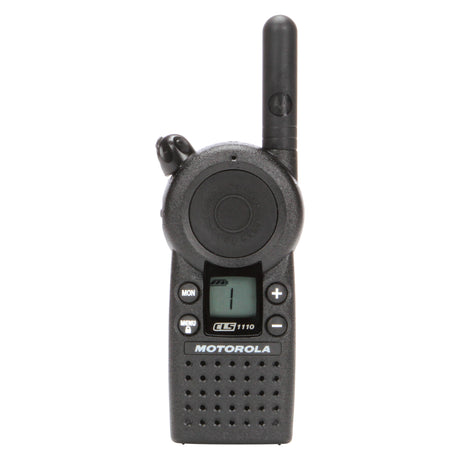
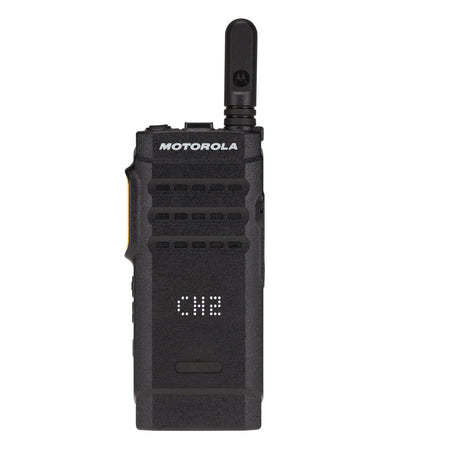
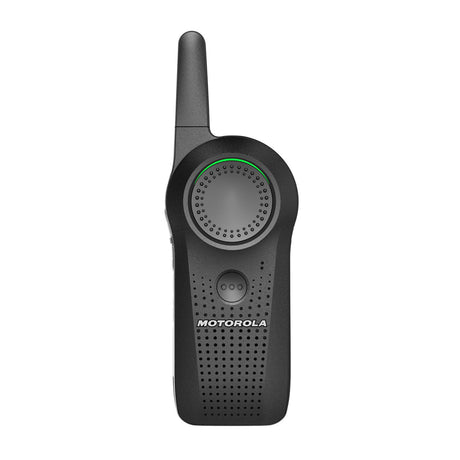

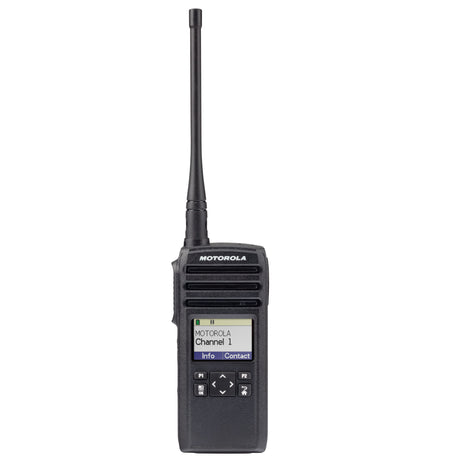
Motorola TLK25 LTE & Wi-Fi Radio

Start with assistant directors, camera teams, production staff, location teams, and transport coordinators. Compare the roles below, then confirm coverage and compatibility for your operation.
| Radio or use case | Best for | Coverage | Licensing and planning |
|---|---|---|---|
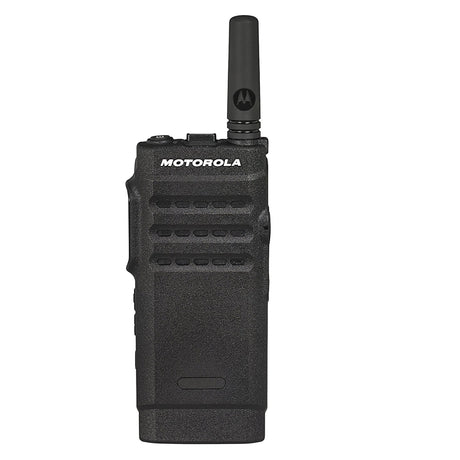
| SL300 Display | Location | Local radio; system-dependent coverage | Confirm U.S. business licensing |
| CURVE DLR110 Business Radio | Small Crew | Local digital radio | License-free in the U.S. |
| CLP1010e | Small Crew | Local radio; system-dependent coverage | Confirm U.S. business licensing |
| CLP1080e | Studio | Local radio; system-dependent coverage | Confirm U.S. business licensing |
| CLS1110 | Small Crew | Local radio; system-dependent coverage | Confirm U.S. business licensing |
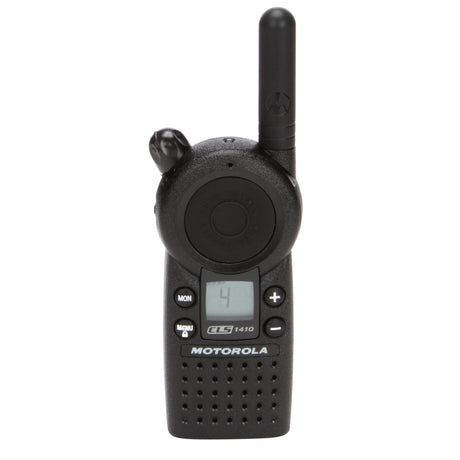
| CLS1410 | Small Crew | Local radio; system-dependent coverage | Confirm U.S. business licensing |
Fleet planning noteA good production fleet includes a channel sheet, labeled equipment, spare power, and an orderly check-out process.

Quiet interiors, changing locations, vehicle moves, and long production days place different demands on a radio fleet. Plan department channels, discreet audio, and charging so the communication setup follows the production.
Build your plan around assistant directors, camera teams, production staff, location teams, and transport coordinators, with the right equipment and support for the way they work.
List the crews that need their own channels and the leads who coordinate between departments.
Test comfortable earpieces and push-to-talk controls for the way each person works on set.
Review interiors, exterior staging, parking, base camp, and vehicle routes before production begins.
Start with assistant directors, camera teams, production staff, location teams, and transport coordinators. Use the segments above to explore the existing lineup, then compare the coverage, accessories, and operating setup for each role. Confirm compatibility with any radios you already own before adding equipment.
Quiet interiors, changing locations, vehicle moves, and long production days place different demands on a radio fleet. Plan department channels, discreet audio, and charging so the communication setup follows the production.
It depends on the distance between locations and the available infrastructure. Local radios suit a defined operating area; network-based options can help connect separated teams where supported service is available. Review each location and the move schedule first.
Compatibility depends on the frequency band, operating mode, programming, and radio system. Local business radios and network-based WAVE PTX devices do not automatically communicate with one another. Share your current model numbers so we can review the connection before you purchase.
Include the number of simultaneous users, their roles, your work areas, shift lengths, existing radio models, and any coverage problems. For film & tv teams, also note the operating conditions and accessories each role needs.
Tell us about your team roles, work areas, existing radios, and coverage concerns. We will help you build a practical film & tv radio plan.
Your monthly cost