
Motorola DTR700 resource center
Motorola DTR700 Resources
Quick start setup, DTR Series CPS programming help, FAQs and compatible accessories for the Motorola DTR700. Free lifetime support from Two Way Radio Gear.

Jump to a topic
Choose a task
What do you need help with?
Go straight to the job you are trying to finish. Every topic below uses the information attached to this exact radio model.
Watch and learn
DTR700 videos
Product overviews, demonstrations, and operating guidance for this exact model.
DTR700 Spec Sheet Video - Everything You Need To Know!
Start here
Quick start
The shortest path from opening the box to basic operation.
Open the quick-start guideFocus on the essential steps without leaving this page. Open guideClose guide
Fleet setup
Programming
Keep a known-good configuration and make every radio in the fleet match.
Download Business Radio CPS Read the installation guide
Open the configuration guideWork through the model's software and setup procedure. Open guideClose guide
Product literature
Documents
Open the available files in a new tab so you keep your place in the hub.
Common questions
Frequently asked questions
Compatibility, licensing, setup, and support answers for this model.
Does the Motorola DTR700 require an FCC license?
No. This radio runs on license-free 900 MHz ISM frequencies, so there is no FCC license to buy and no paperwork to file.
How do I program the Motorola DTR700?
The Motorola DTR700 is programmed with DTR Series CPS and a Motorola programming cable. We can also program the fleet before it ships so it arrives ready to use.
What band and technology does the Motorola DTR700 use?
900 MHz ISM digital frequency-hopping.
Will the Motorola DTR700 talk to our older radios?
It will, provided the other radios operate on the same band and are programmed with matching frequencies and privacy codes. Send us a list of what you already run and we will confirm compatibility before you buy.
What support comes with the Motorola DTR700?
Free lifetime technical support from our US-based team, programming help whenever your channel plan changes, and assistance with warranty claims.
Keep it running
Troubleshooting
Fast checks for the issues that create the most support calls.
Open the troubleshooting guideReview the most likely causes in one focused view. Open guideClose guide
Compatible gear
Accessories
Products linked to this exact model in the resource catalog.
-
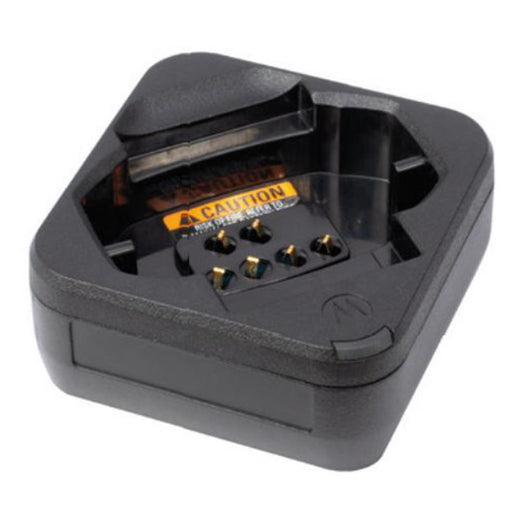 Motorola PMPN4469 AC Single Unit Charger – Compatible with DTR Series RadiosView accessory →
-
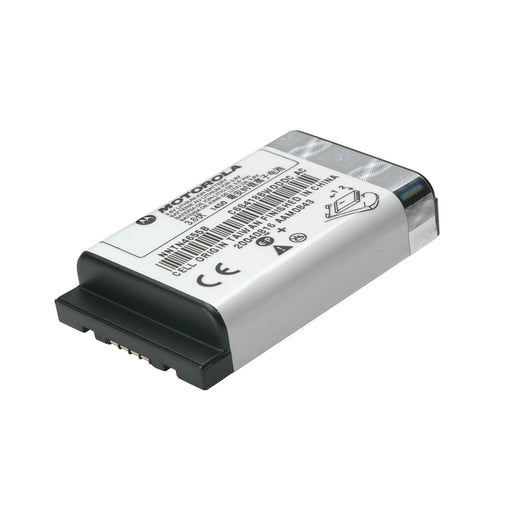 Motorola 53964 DTR Series Hi Capacity Li Ion BatteryView accessory →
-
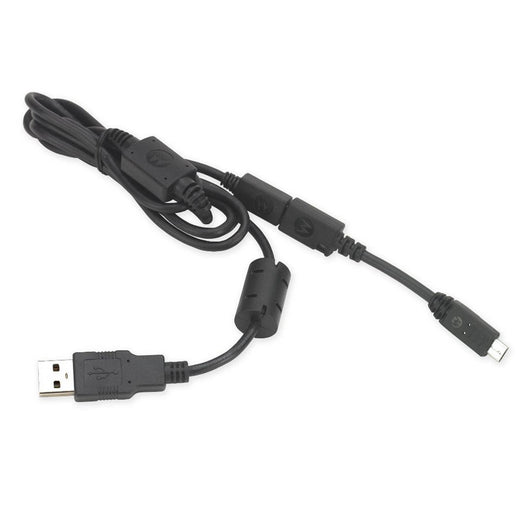 Motorola HKKN4027A Programming Cable for RDX, RM, DTR, DLR, CLS and CLP radiosView accessory →
-
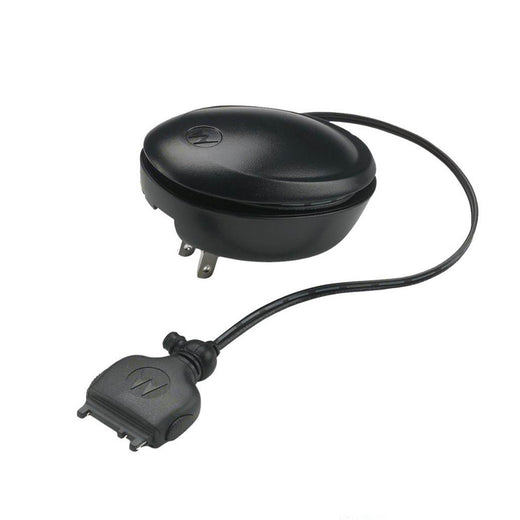 Motorola 53969 DTR Series One Hour Rapid ChargerView accessory →
-
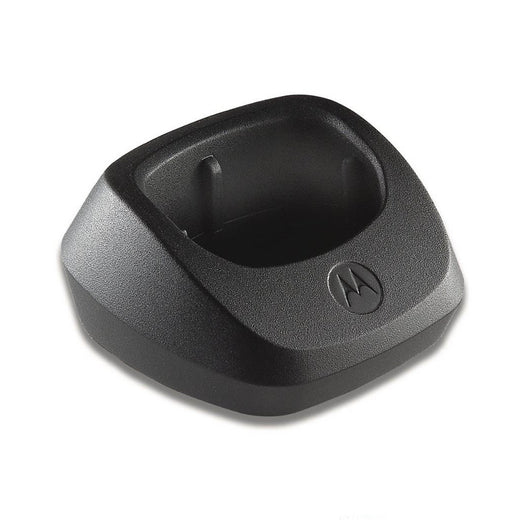 Motorola 53962 DTR Drop-In Charging TrayView accessory →
-
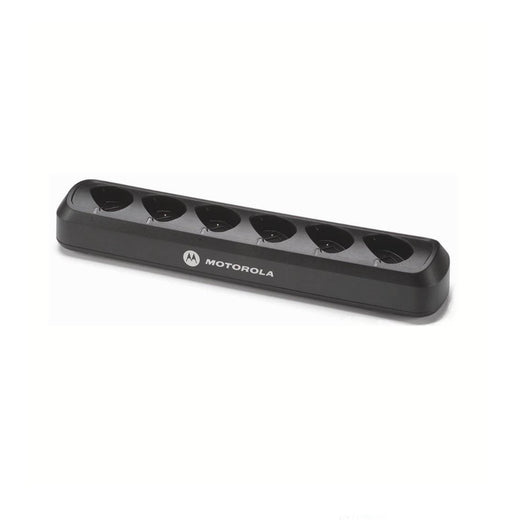 Motorola 53960 DTR Multi-unit ChargerView accessory →
-
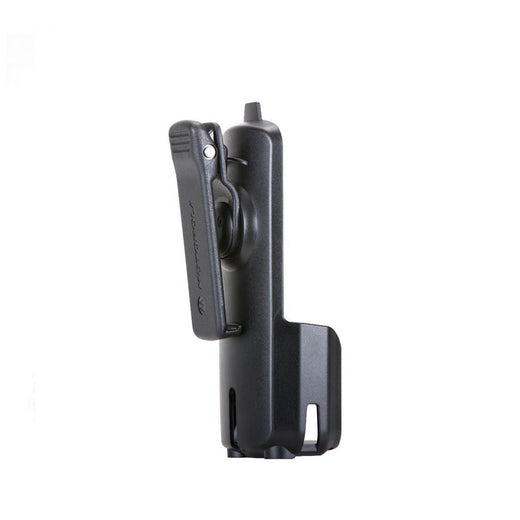 Motorola 53961 DTR Series Swivel Carry HolsterView accessory →
-
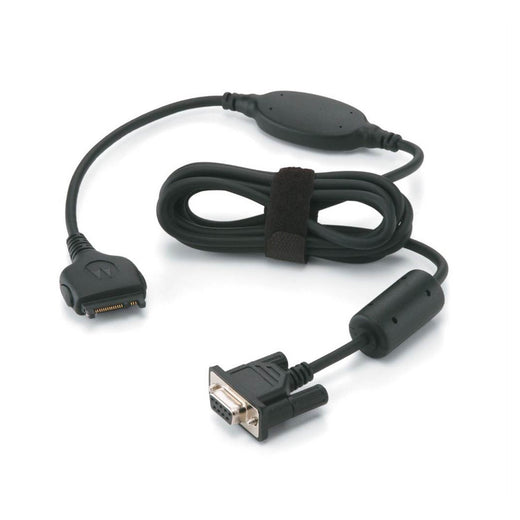 Motorola DTR Serial Programming CableView accessory →
-
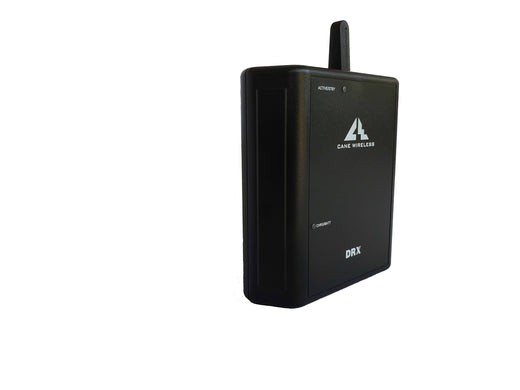 DRX1020 Digital Range Extender for DLR/DTR Series RadiosView accessory →
Ready to buy?
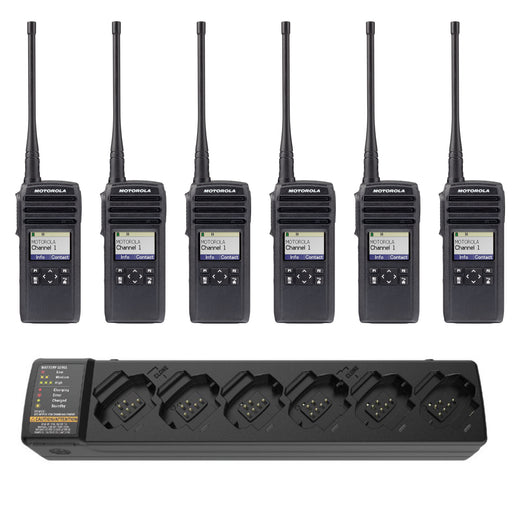
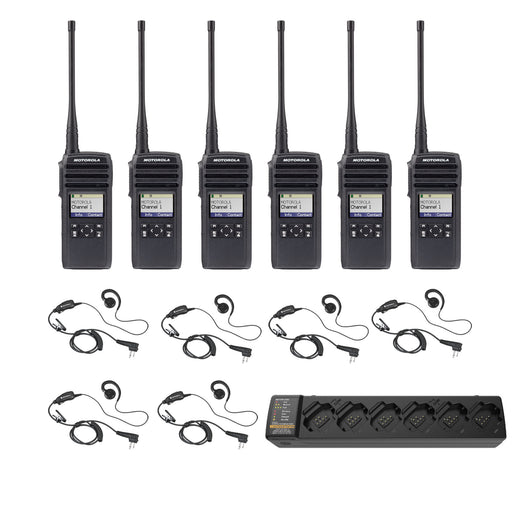
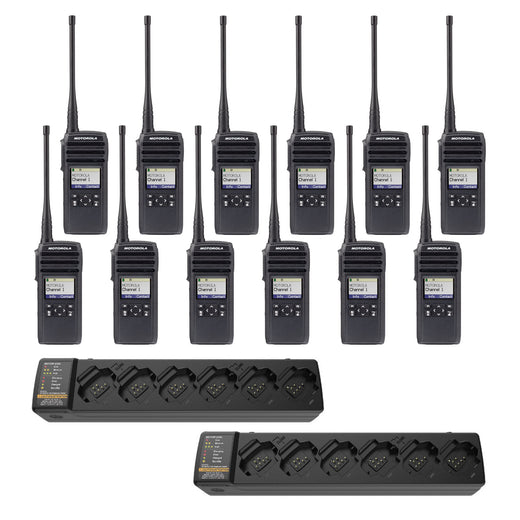
Shop DTR700 bundles
Choose a fleet-ready configuration for your team.
Fleet support
Need a human to check the plan?
Tell us what your team uses today and what needs to work. We can help with radio selection, fleet sizing, programming, and accessories.